Coding feels better when tools stay simple and calm. Good tools help you focus and reduce mental strain. Developers now care more about comfort and flow during long sessions. You want tools that match your habits and pace. Vibe coding tools support that goal without adding noise.
Best vibe coding tools for developers in 2026 focus on comfort, speed, and focus. Tools like Visual Studio Code, Cursor, GitHub Copilot, Replit, and JetBrains IDEs keep screens clean and work smoothly. You code with less stress, fewer clicks, and better flow during long sessions.
Now let’s walk through each tool in detail. You will see what makes them feel good to use. The next part explains how these tools support focus, comfort, and steady daily coding.
Checklist
What Is Vibe Coding Tools?
Vibe coding tools are software that help you code with comfort and focus. They reduce clutter, load fast, and stay easy on the eyes. You spend less time adjusting settings and more time writing code. The goal stays simple. You code calmly and stay in control during short tasks or long sessions.
These tools reduce friction during daily work. Clean layouts limit distractions and keep attention steady. You move through files, folders, and code without delay. Fewer clicks and clear views help you think better. Your energy goes into solving problems instead of managing tools.
Speed and clarity matter in vibe coding tools. A fast response keeps your flow intact. Simple visuals lower eye strain during long hours. You read code easily and spot issues faster. The tool works with you, not against you, which helps you stay relaxed.
Good vibe tools support both beginners and experienced developers. You can start coding with little setup. You also get enough control for complex tasks. The tool grows with your needs. That balance helps you stay productive without feeling overwhelmed.
Developers enjoy vibe tools because they feel natural to use. The tools fit daily habits and personal style. You feel steady, focused, and less rushed. That comfort leads to better code and fewer mistakes. Coding becomes smoother and more enjoyable each day.
Here are some vibe coding tools developers love using for daily work. Each one supports focus, comfort, and steady progress in its own way.
Visual Studio Code
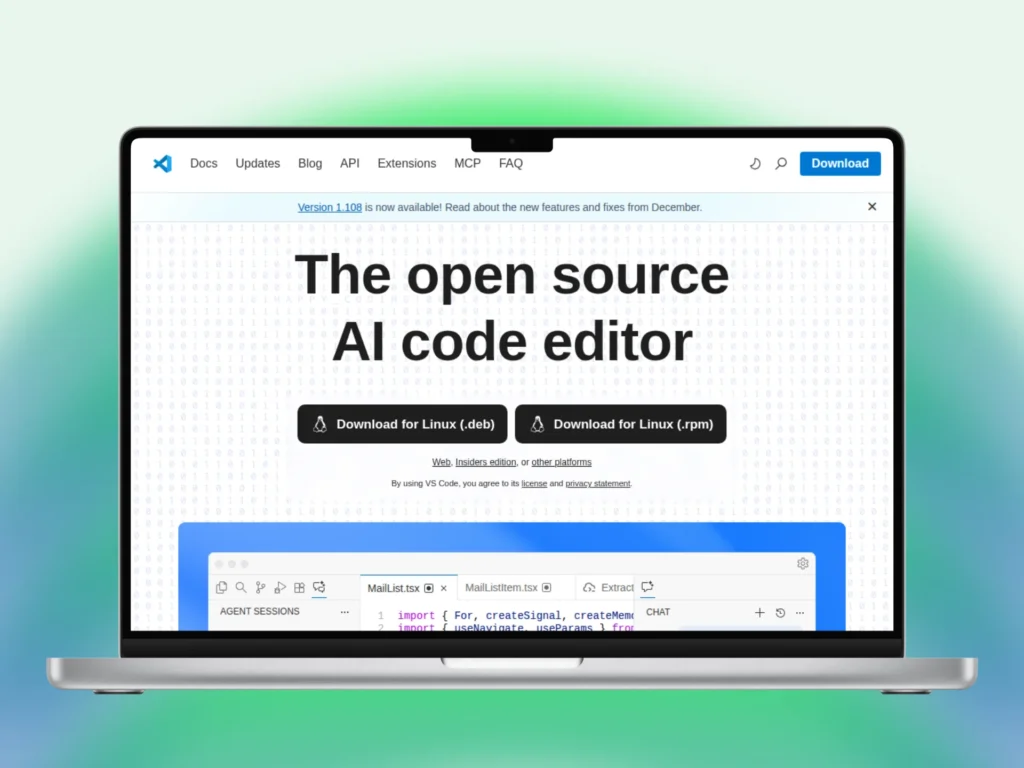
Visual Studio Code is a favorite because it feels light, quick, and easy to use. You open it and start coding without delay. It runs well on most systems and supports many languages. The editor stays clean, which helps you focus and keep work moving.
The editor handles small scripts and large projects with ease. You open many files without losing track. Search, tabs, and folders stay simple to manage. You spend more time writing code and less time finding things on screen.
Extensions give you full control over your setup. You add tools only when needed. Linters, themes, and helpers install in seconds. Removing extras stays just as easy. That freedom helps you build a workspace that matches how you code.
Visual Studio Code supports steady daily work. The interface feels familiar and calm. Shortcuts save time without confusion. Updates rarely break flow. You stay comfortable during long sessions, which helps you write better code with fewer mistakes.
GitHub Copilot
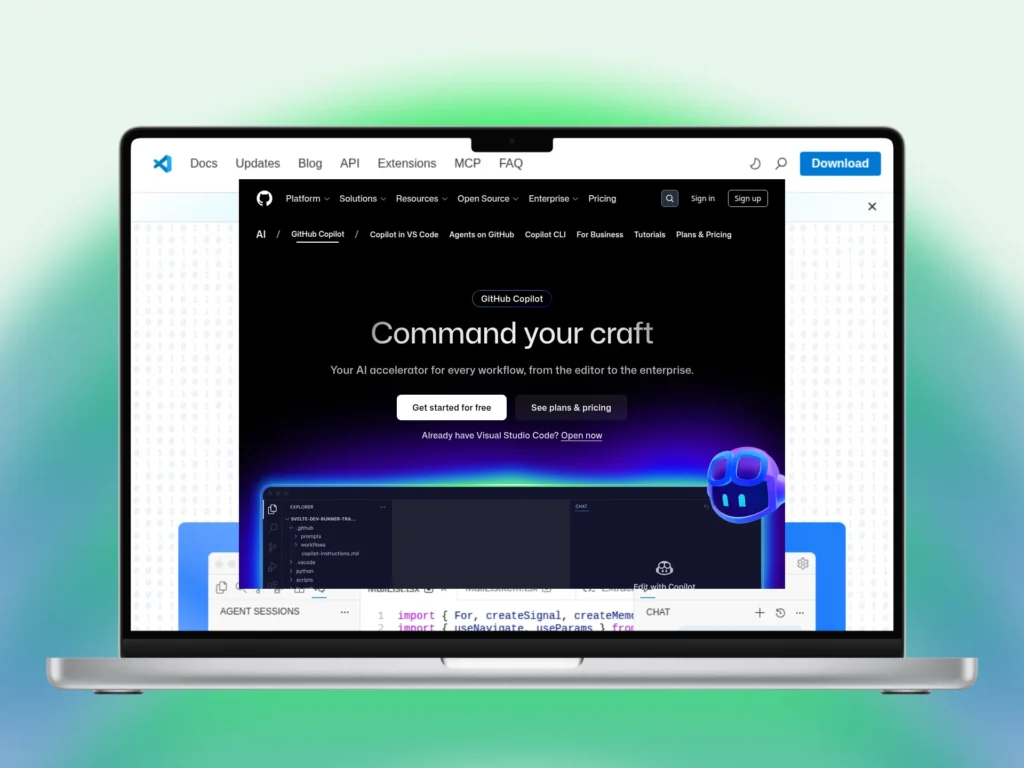
GitHub Copilot helps you write code with less effort and less strain. It suggests useful lines as you type and fits your current file. You save time on repeat tasks while staying in charge. You review each line and keep full control of your code.
Copilot works best for small blocks and helper code. It handles common patterns, loops, and setup lines with ease. You move faster without rushing. The tool supports steady progress while you focus on logic and structure.
Learning feels easier with Copilot by your side. You see clean examples while writing real code. Suggestions help you spot better ways to write functions. You still think through each step and decide what stays.
Daily coding feels smoother with Copilot active. Fewer pauses break your focus. Less typing reduces fatigue during long sessions. You stay responsible for results while enjoying faster, calmer work that fits your normal coding style.
Cursor
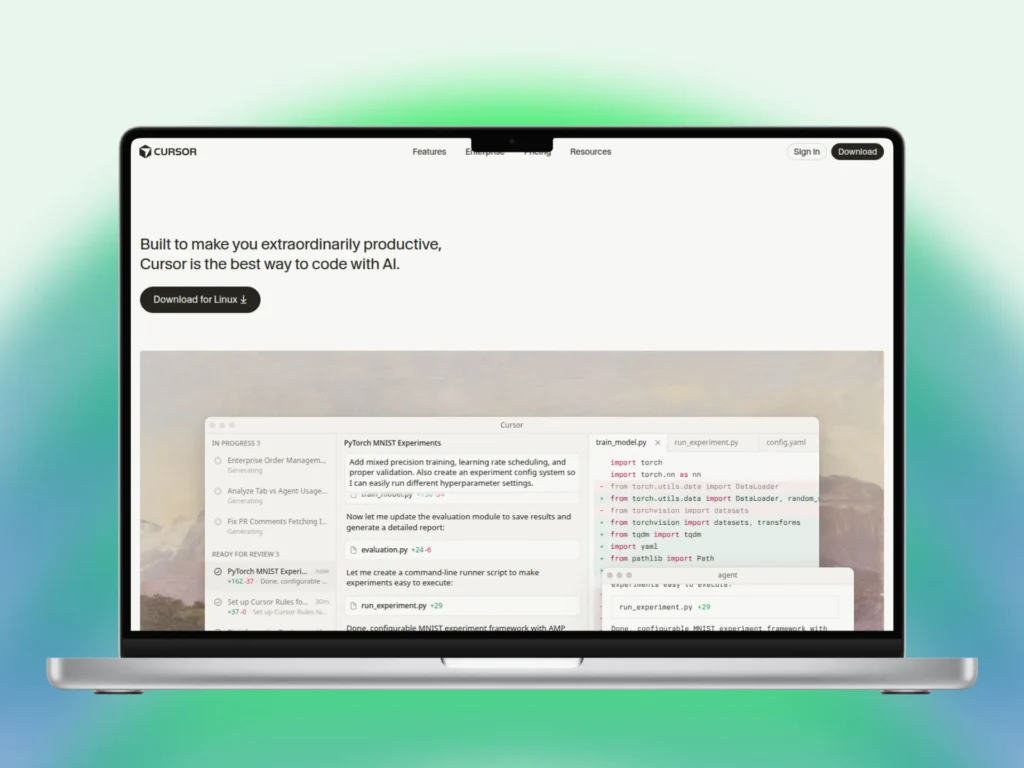
Cursor brings editing and smart help into one calm workspace. You write code and ask questions without leaving the editor. Answers appear as usable code you can change right away. This setup saves time and helps you stay focused from start to finish.
Work moves faster because tool switching stays low. You ask for help inside the same file you are editing. Context stays clear and nothing breaks your flow. You think, type, adjust, and move forward without opening extra tabs.
Cursor supports clear thinking during long sessions. The layout feels simple and easy to read. Code suggestions stay close to your task. You remain in control and decide what fits your project. That balance keeps work steady and stress low.
Solo developers and small teams enjoy Cursor for daily tasks. Ideas turn into working code quickly. Feedback arrives at the right moment. You spend less time stuck and more time building, which makes coding feel smoother and more natural.
Replit
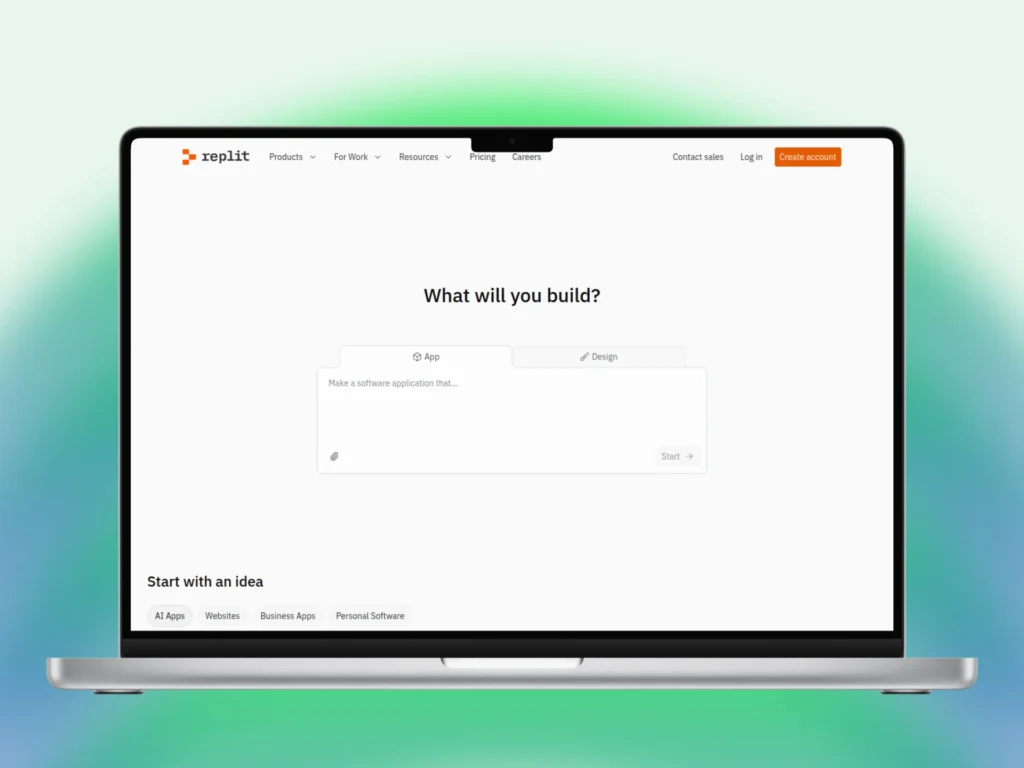
Replit lets you start coding right from your browser with no setup pain. You open a project and begin within seconds. Files, run tools, and output stay in one place. This makes Replit great for quick work, learning, and simple builds.
Projects feel easy to manage because everything lives online. You switch devices without losing progress. Code runs the same way each time. You focus on writing and testing ideas instead of fixing local setup issues.
Learning feels smoother on Replit. Built in templates help you start fast. Errors show clearly and early. You try ideas, see results, and adjust quickly. This pace helps you understand code through action, not guesswork.
Teamwork stays simple with live sharing. You see edits as they happen. Others can join and help right away. No file sending slows things down. This shared view keeps work clear and helps teams stay in sync.
JetBrains IDEs
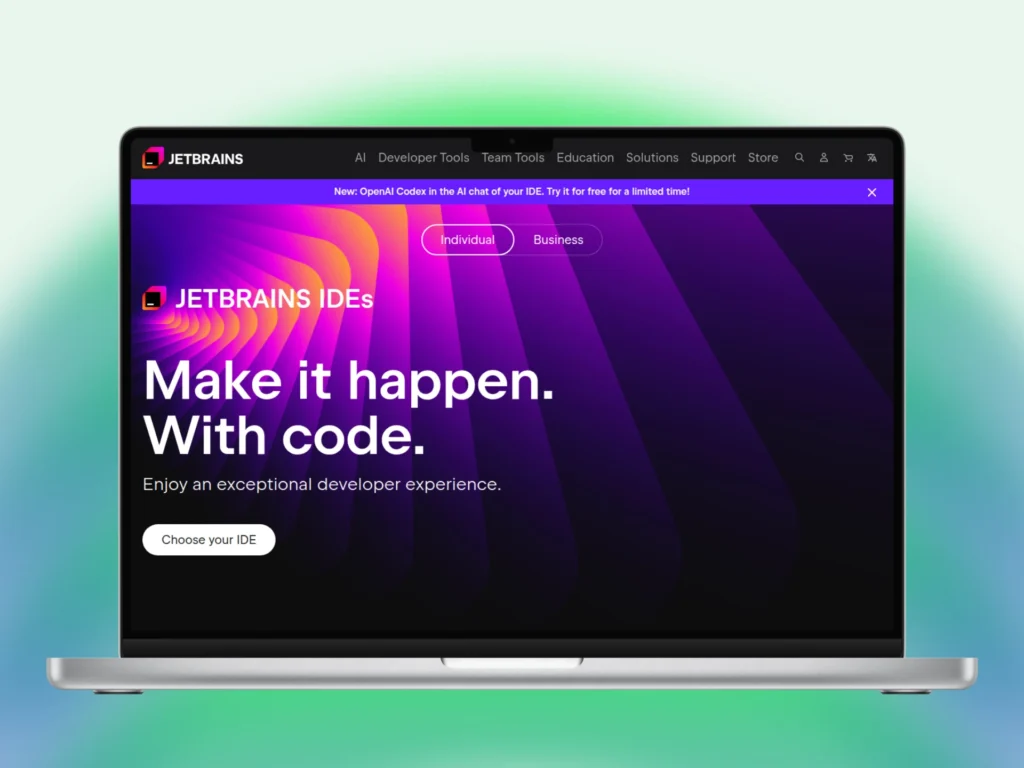
JetBrains IDEs work well for deep and complex projects. Each IDE focuses on one main language and stays precise. You get clear code hints, strong checks, and steady tools for long sessions. The setup helps you stay focused and organized.
Language focused design helps you write better code. Tools understand syntax and structure well. Errors show early and fixes feel clear. You move through files with ease. This accuracy saves time during large builds and daily updates.
Long sessions feel manageable with JetBrains tools. Smart hints reduce guesswork and rework. Built in tools handle testing and debugging. You stay in one place instead of jumping between apps. That flow supports careful and steady progress.
Paid plans feel worth it for many developers. Time savings add up on big projects. Updates stay stable and tools feel reliable. Teams trust these IDEs for serious work where clean code and order matter every day.
Choosing the Right Tool for Your Style
Choosing the right coding tool depends on how you like to work. No single option fits everyone. You may prefer simple editors or full feature tools. Comfort matters more than trends or popularity. The right tool helps you stay calm, focused, and productive.
Light editors suit quick tasks and short sessions. They load fast and stay easy to manage. You see less clutter and fewer menus. This setup works well if you value speed and clear screens while coding.
Full tools work better for large or long projects. You get built in helpers, testing, and debug tools. Everything stays in one place. You avoid jumping between apps and keep work organized.
Testing tools with small tasks helps you decide faster. You notice how the interface feels after one hour. Pay attention to eye strain and focus. The right tool feels natural, not heavy.
Personal comfort leads to better results. You write cleaner code when stress stays low. A tool that fits your habits supports steady work. Choose the option that helps you stay relaxed and consistent each day.
Final Thoughts
Vibe coding tools improve how you feel during daily work. They support focus, comfort, and steady progress. You spend less time fixing tools and more time writing code. Calm screens and smooth flow help you stay productive across short tasks and long sessions.
Each tool serves a clear purpose. Visual Studio Code stays clean and flexible. GitHub Copilot helps with repeat code tasks. Cursor keeps thinking and editing together. Replit fits quick tests and shared work. JetBrains tools support deep projects that need structure.
Better results come from tools that feel right to you. Comfort helps you think clearly and code better. You build good habits with tools that match your style. Choose options that support your goals and keep work steady every day.